Introduction to Button Master: An AssistiveTouch Alternative for Android
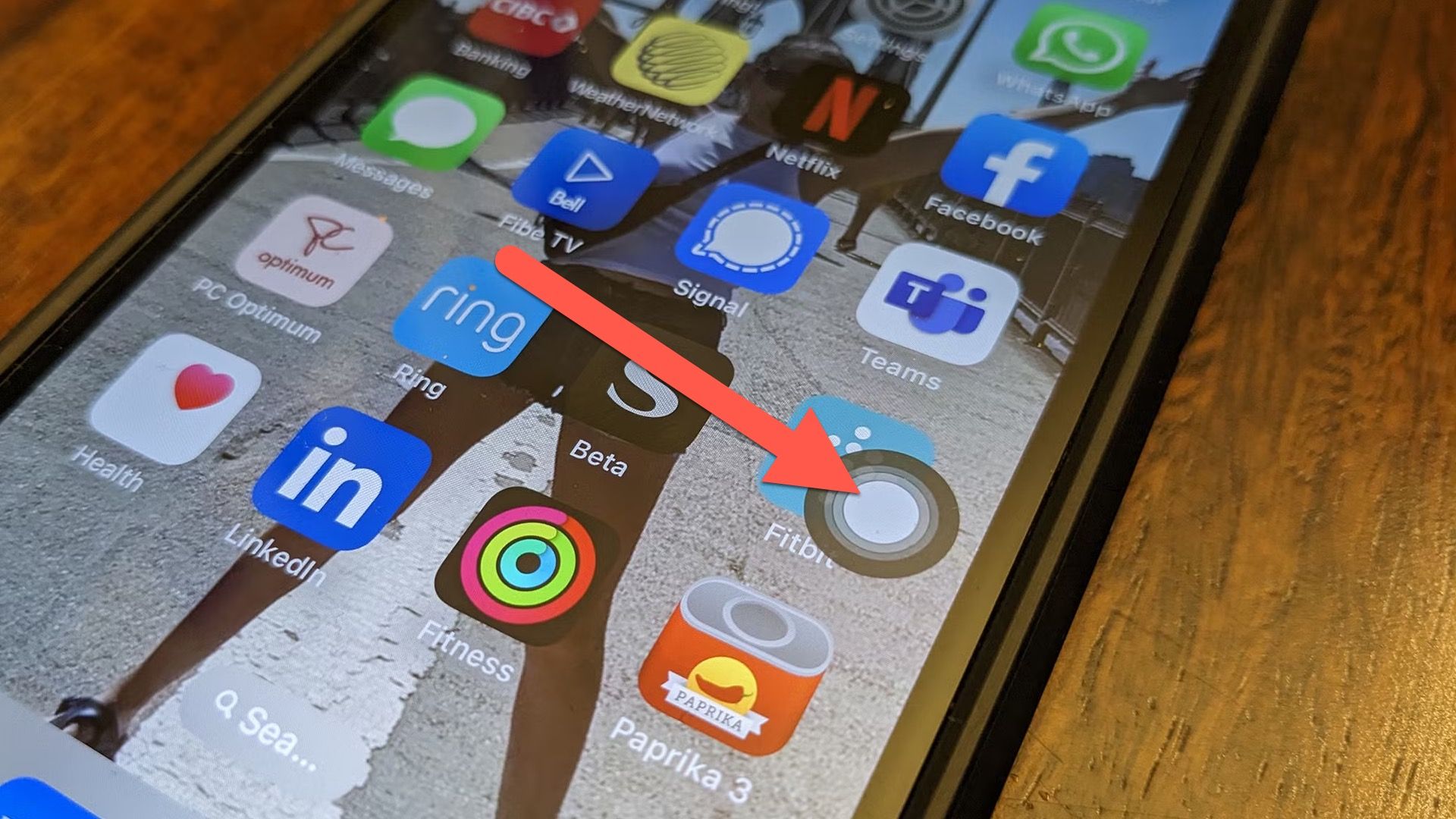
Android users often admire unique features found on iPhones, and one such standout is AssistiveTouch. This handy tool creates a floating button on the screen, providing quick access to various functions without the need for extensive finger movement. For those interested in similar capabilities on their Android devices, an application called Button Master delivers an effective solution.
Understanding AssistiveTouch
AssistiveTouch is a virtual button that offers instant access to shortcuts and functions. It proves especially beneficial for users with larger phones or for those wanting to minimize wear on their physical buttons. Fortunately, the Android ecosystem provides alternatives, allowing users to enjoy comparable advantages.
Features of Button Master
Customizable Shortcuts
Upon installing Button Master, users encounter a small icon that can be positioned along the edges of the screen. Tapping this icon unveils a menu with a variety of shortcuts, including:
- Navigating to the home screen
- Using the back button
- Accessing recent apps
- Capturing screenshots
- Adjusting volume levels
- Launching favorite applications
Users can tailor the menu to highlight the shortcuts they use most frequently, enhancing functionality and convenience.
Extended Functionalities
In addition to basic navigation, Button Master incorporates a range of additional features that further enhance its usability:
- Toggle Settings: Quickly switch Wi-Fi, Bluetooth, or flashlight on and off.
- Tap Customization: Different actions can be assigned depending on how many times the icon is tapped. For instance, a single tap might perform one task, while a double-tap could access the menu, and a long press can trigger yet another action.
- Advanced Controls: The app supports launching actions through device shaking, remapping physical buttons, placing shortcuts in the notification tray, and reconfiguring the home button.
Most of these features are accessible for free; however, users can opt for a Premium subscription to unlock additional capabilities.
The Significance of Button Master
The launch of apps like Button Master exemplifies the flexibility of the Android platform. While AssistiveTouch is a respected feature on Apple’s devices, it remains exclusive to iOS, as Google has not attempted to replicate it. The Android system provides developers with the tools necessary to create applications that function similarly to system-level features, enabling a broad spectrum of customizable solutions. This adaptability is a key advantage that appeals to many users.
Conclusion
Button Master effectively brings the advantages of AssistiveTouch to Android devices, enriching user experiences with customizable shortcuts and additional features. The app not only enhances navigation but also provides a broad range of functionalities that cater to individual user preferences. With its user-friendly interface and flexibility, Button Master stands out as a notable addition to the app ecosystem, showcasing the capabilities of Android in providing tailored user experiences.