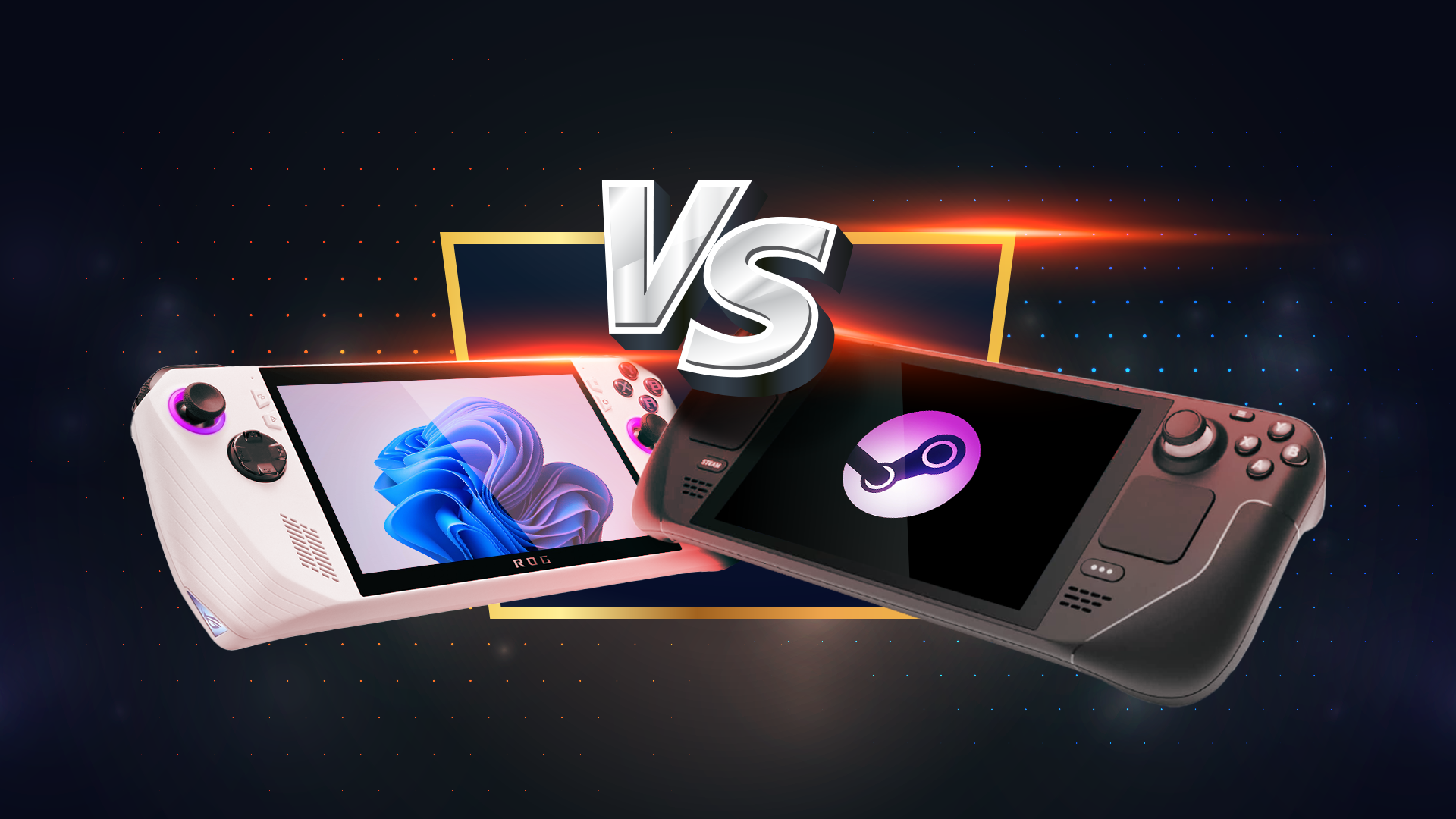
It’s been a week since I transitioned from Windows 11 to SteamOS on my Lenovo Legion Go handheld device, replacing the operating system with the first official version of SteamOS designed for non-Steam Deck handhelds. Throughout this time, I’ve dedicated myself to thoroughly testing SteamOS in a gaming setting. Now, having engaged with the platform extensively, I’d like to share my impressions on whether this experience is superior or inferior to retaining Windows 11 on my handheld.
### Enhanced Performance with SteamOS
My initial takeaway is somewhat subjective, but ultimately it’s the player’s experience that truly counts when it comes to gaming. One noticeable difference is the heightened smoothness of gameplay in SteamOS compared to Windows 11. A significant factor behind this is SteamOS’s capability for pre-cached shader downloads, which eliminates the stutter commonly related to shader compilation. Even games that previously utilized precompiled shaders under Windows now experience improved fluidity and a marked reduction in microstuttering.
A standout example is “Marvel’s Midnight Suns,” a title I found unplayable on my handheld while using Windows due to its choppiness, despite the frame rate being above 30fps. After switching to SteamOS, the game runs smoothly and visually impressively, demonstrating the positive impact of the operating system change.
### User Experience Improvements
Beyond performance metrics and battery longevity, SteamOS offers a significantly better user experience. A notable feature is the ability to suspend gameplay seamlessly, akin to consoles like the Nintendo Switch and PlayStation Vita. This feature is particularly disappointing in Windows 11, as I often found myself frustrated by the inability to pause my session quickly.
Furthermore, the interface of SteamOS is exceptionally user-friendly. While it includes an optional desktop mode, users aren’t obligated to engage with it unless they choose to. The primary interface is optimized for both touch and controller use, presenting itself prominently at startup. It rivals the interfaces of established consoles in both design and functionality. I found it refreshing to wake my handheld and simply start playing without being subjected to updates, notifications, or other Windows distractions when I wanted to enjoy a few minutes of gaming.
### Game Compatibility Challenges
One of the notable drawbacks of SteamOS is its game compatibility. Boasting over 1,000 titles in my Steam library, only about 550 are currently playable on SteamOS. Additional games from platforms such as GOG and Epic Games Store require additional steps and tools like Heroic Games Launcher to function on SteamOS.
While compatibility is expected to improve over time, Windows provides the assurance that all titles are accessible without complications. I primarily utilized PC Game Pass on my handheld rather than my desktop setup, yet this service is unavailable on SteamOS. While my focus is not on multiplayer gaming, many players may find the absence of functioning anti-cheat systems on SteamOS a significant limitation for online play.
### Improved Battery Life
Users have reported notable improvements in battery life when switching from Windows to SteamOS on the same hardware. This enhancement can be attributed to the reduced background processes present in SteamOS compared to Windows.
It is worth mentioning that my specific model, the original Legion Go, currently lacks Thermal Design Power (TDP) control, a feature available in the newer Legion Go S version equipped with SteamOS. Consequently, I’ve relied on the basic TDP presets without experiencing the extensive battery life improvements reported by some. Nevertheless, the perceived increase in battery longevity stems from enhanced game performance at lower TDP settings. While Windows forced me to operate at higher TDP settings to achieve playable conditions, I now can enjoy games on a more economical “balanced” mode, yielding increased battery life of two hours or more.
### Cost-Free and Open-Source Nature of SteamOS
One of SteamOS’s clear advantages is its cost-free nature. Unlike Windows, which adds significant expenses to the handheld experience, SteamOS is free to users. The transition from Windows to SteamOS was seamless and devoid of advertising, limiting promotional content solely to the Store page. In contrast, Windows often inundates users with telemetry data collections, prompts for various services, and relentless advertisements encouraging the use of Microsoft products.
While SteamOS’s client isn’t entirely open-source, the system’s foundation is rooted in open-source principles, providing a level of transparency and trust about user data that Windows does not offer.
### Conclusion: Is Switching to SteamOS Worth It?
For those who own a handheld PC compatible with SteamOS, I strongly recommend the switch. Installing the operating system takes only a few minutes, and if you’re dissatisfied, you can revert to the factory-installed Windows image with relative ease. As long as game saves are safely stored in the cloud or on a local disk, the worst-case scenario involves some time spent re-downloading games.
Dual-booting SteamOS with Windows is feasible, though for most users, an SSD upgrade will be necessary. Given my own 512GB SSD, dual-booting isn’t a practical option for me. Instead, I prefer using my other Windows gaming systems for titles not compatible with SteamOS. Although there is room for ongoing development, SteamOS presents a well-rounded gaming environment that is ready for users eager to explore its capabilities.